
STEP 4
Install Essential
Plugins
What Are Plugins?
WordPress Plugins are add-ons that extend WordPress functionality by adding new features, improving performance, or modifying existing capabilities without touching core code. They enable quick implementation of complex features like e-commerce, contact forms, or SEO tools without requiring coding knowledge. However, poorly maintained plugins can slow performance, introduce security vulnerabilities, or conflict with other plugins. Regular updates and careful plugin selection are essential for site health and security.
Essential Plugins
Below are two of the five essential plugins I used to build this site. I recommend these, but many alternatives exist. The other three plugins are more involved and require their own steps in the process and are not necessary until you have your website built out.
To install a plugin navigate to the plugins tab on the WordPress dashboard and click on ADD NEW plugin. This will prompt you to either upload a plugin from your harddrive or download and install one directly from the wordpress plugin directory.
The first plugin you should install and activate is a Child Theme Generator. It easily allows you to create a child of your website site theme. Protecting your changes from being overwritten when making theme updates is what essential. I've included links below to the essentail plugins I use in conjunction with Divi to build out any website.
WP Child Theme Generator
Once installed, navigate to the appearance tab on your WordPress sidebar to configure the child theme. The setup process is straightforward—just select the parent theme you want to base your child theme on and complete the setup. Your modifications will now be protected from being overwritten during future theme updates. Beyond the occasional plugin update, you won't need to interact with this tool again.
WP Child Theme Generator
Choose the theme you want to make a child of and click your done.

SVG Support
This is must have plugin if you want to bring vector graphics into your website as .svg files. SVG files (Scalable Vector Graphics) are great for logos and any art created in a vector program like Adobe Illustrator. Simply install and active this plugin and you'll be ready to upload .svg file to your media file.
SVG Support
Bring vector graphics into your website as .svg files. SVG files

Yoast SEO
Yoast SEO offers comprehensive analysis tools that help elevate your content’s SEO and readability. Get powerful insights and actionable recommendations to craft helpful content that resonates with readers and search engines.
Yoast SEO
Comprehensive analysis tools that help elevate your content’s SEO.

Sucuri Security
Sucuri Inc. is a globally recognized authority in all matters related to website security, with specialization in WordPress Security. It offers a set of security features designed to have a positive effect on your webistes security posture:
Sucuri Security
Specialization in WordPress Security.

Site Kit by Google
Site Kit is the official WordPress plugin from Google for insights about how people find and use your site. Site Kit is the one-stop solution to deploy, manage, and get insights from critical Google tools to make the site successful on the web.
Site Kit by Google
Google for insights about how people find and use your site.
Consider these Options Before Downloading or Installing a Plugin?
Compatibility: Make sure the plugin is compatible with your version of WordPress and any other plugins you're using.
Updates & Maintenance: Check when the plugin was last updated. Regularly updated plugins are more likely to be secure and compatible with the latest WordPress version.
Ratings & Reviews: Look at user ratings and reviews to gauge the plugin's quality and reliability.
Support: Consider the level of support offered by the plugin developers. Active support can be crucial if you encounter issues.
Performance Impact: Some plugins can slow down your website. Research or test the plugin's impact on your site's speed and performance.
Security: Plugins can introduce security vulnerabilities. Choose reputable plugins and keep them updated.
Features: Ensure the plugin offers the specific functionality you need without unnecessary bloat.
Documentation: Good documentation can help you set up and use the plugin effectively.
Cost: While many plugins are free, some premium plugins offer advanced features. Consider if the cost is justified for your needs.
User Base: Plugins with a large user base are often more reliable and well-maintained.
Conflicts: Be aware that some plugins may conflict with others or with your theme.
Data Handling: If the plugin collects or processes user data, ensure it complies with relevant privacy laws.
Maintenance:
Check for and update plugins on a regular basis, and remove any unused ones. Failing to update regularly can leave your site vulnerable to attack. Most importantly, update only one plugin at a time—this way, if a problem occurs, you'll immediately know which plugin caused it.

Divi Theme Extensions
Using the Divi theme alliviates having to add excessive plugins to gain funtionality. The fewer the plugins the better the site will perform and lessen the risk of a security breach. Outdated and poorly written plugins can have a serious affect on your site health and performance and have a conflict running with your theme or with other plugins.
In most cases I haven't had to install any more plugins then I've listed here but each case is different. The Divi Theme comes with a robust set of features but occassionally my client may want a feature that I can't achieve with Basic Divi. Thats where the Divi Market Place comes in. You can find additional extensions created for the Divi theme that enhance the options for different modules adding funtionality.
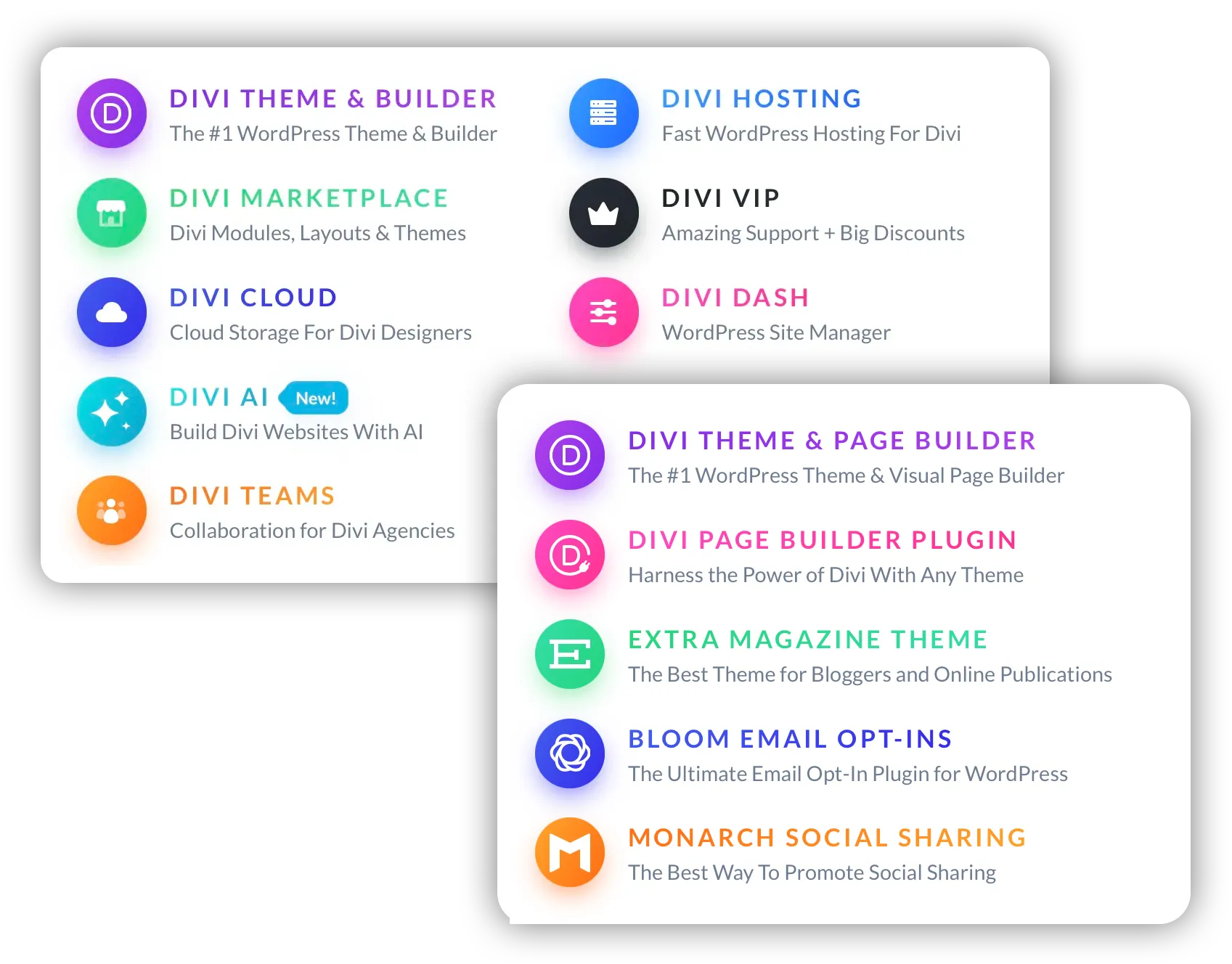
More than a Theme
If you chose to use the Divi Theme by Elegant Themes then you know that it is more than just a WordPress Theme. It's a community of designers & developers working to together to streamline the webiste building process. The most notable add-ons are the Bloom Email Opt-ins and the Monarch Social Sharing which are included with your theme purchase.
Have Questions?
Please contact me directly.
Free Consulting is just a phone call away.
904-501-9526
Ask for JOE
STEP 5
Customize Your Website